 Etix
EtixThe labels you already use, now filled from Excel or your WMS and printed in batches on your Zebra.
Open the label, link it to your data and print the whole batch at once, in native ZPL. No copying values by hand, no printing one at a time. Priced per workstation, with unlimited printers.
Made your labels in Publisher? Open the .pub files in Etix and keep working with them. See how.
Switch without starting over
The labels your team already knows move to Etix as they are. In three steps, they are printing with today's data.
Open the .pub
The label you already use opens in Etix looking the same. Etix shows what changed in the conversion and what is worth checking.
Link it to your data
Paste rows from Excel or import the CSV from your WMS. Each row is a label, with its fields filled in.
Print the batch
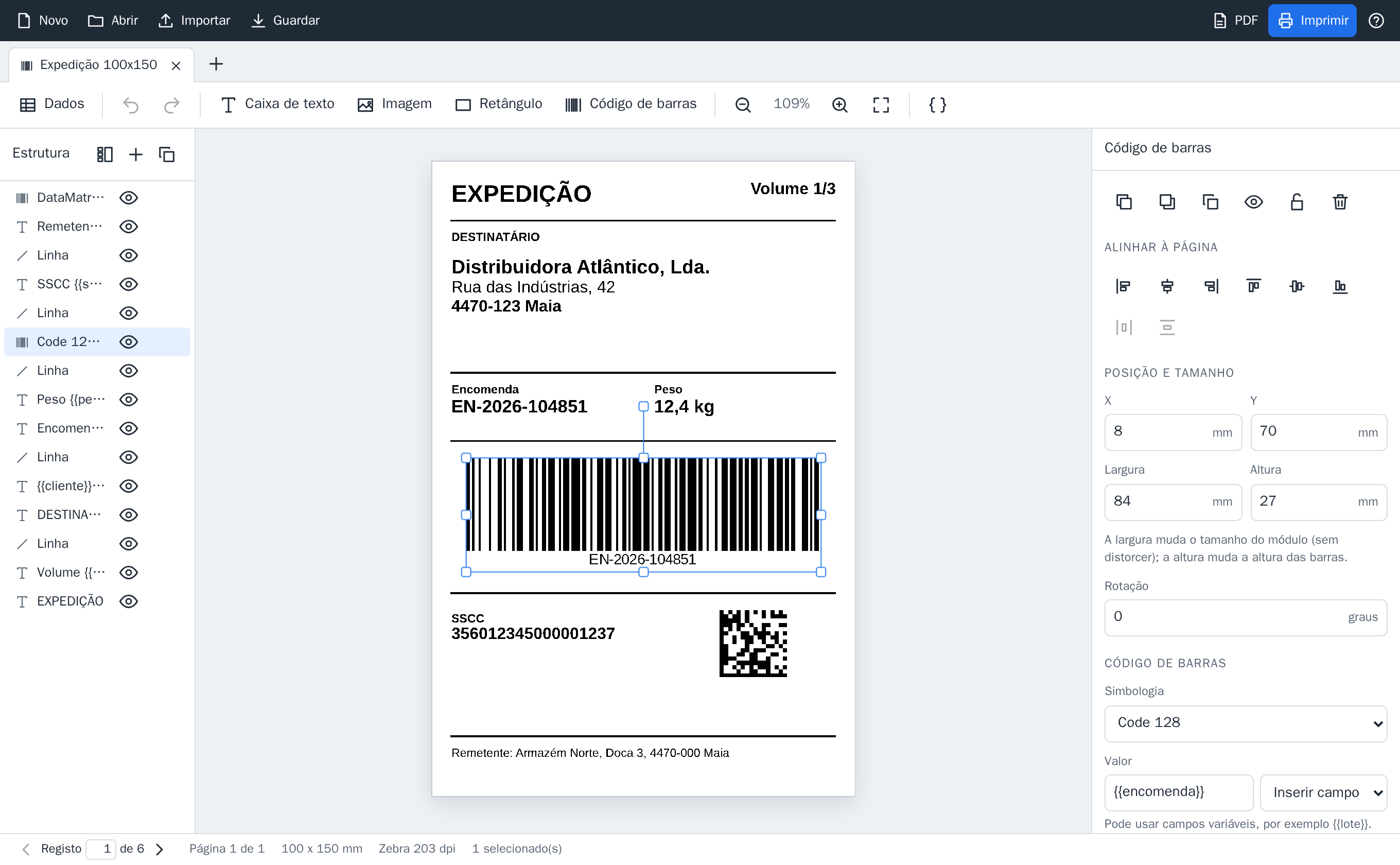
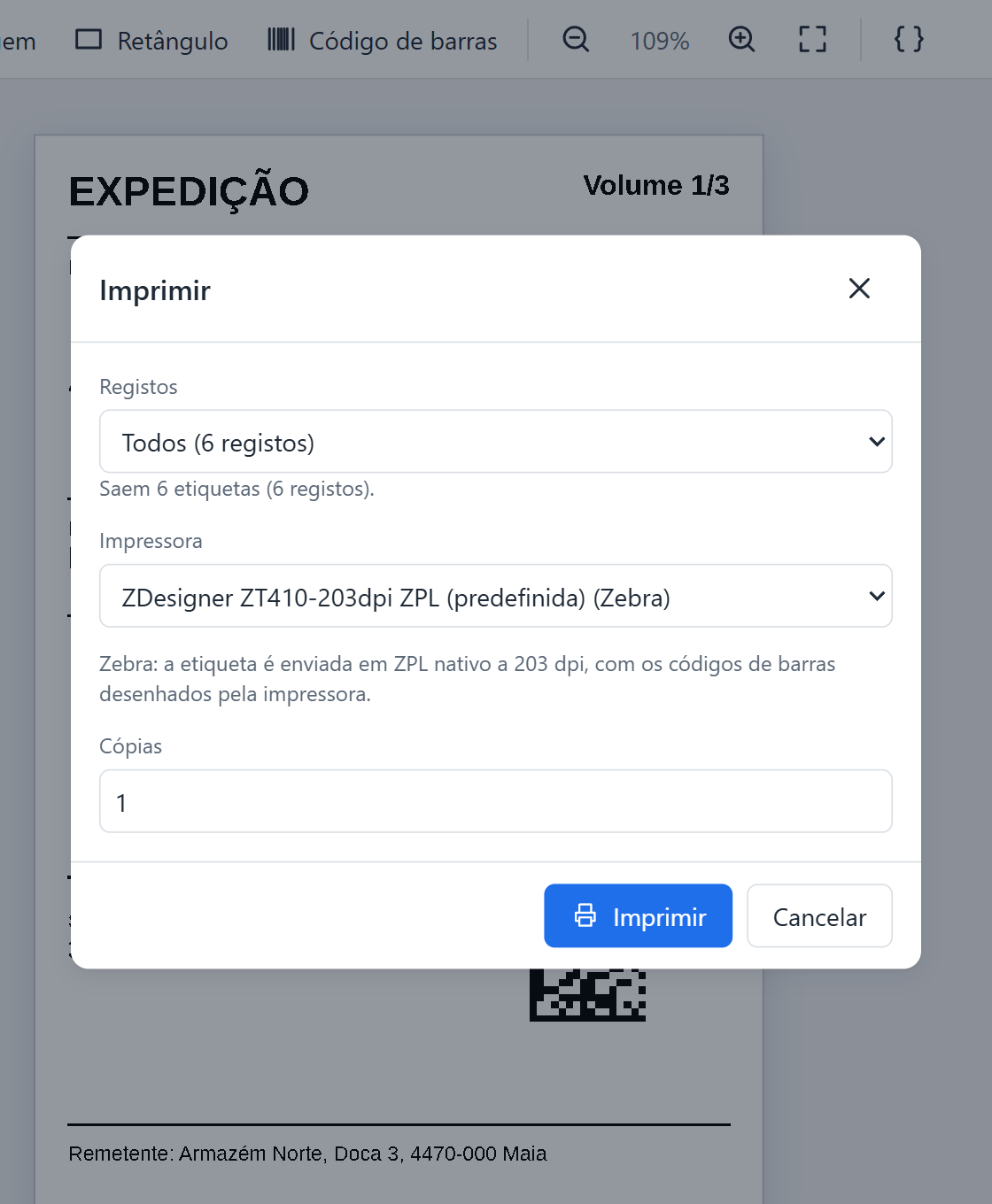
All records, a range or just the selected ones, on the Zebra or on any Windows printer.
When Publisher no longer opens on your PC, your labels keep working in Etix.
The batch comes out right the first time
Etix does the repetitive work and warns you before you waste labels.
- Up to 50,000 labels per batch
- One click sends the whole batch, in parts, with the progress in view and a button to cancel.
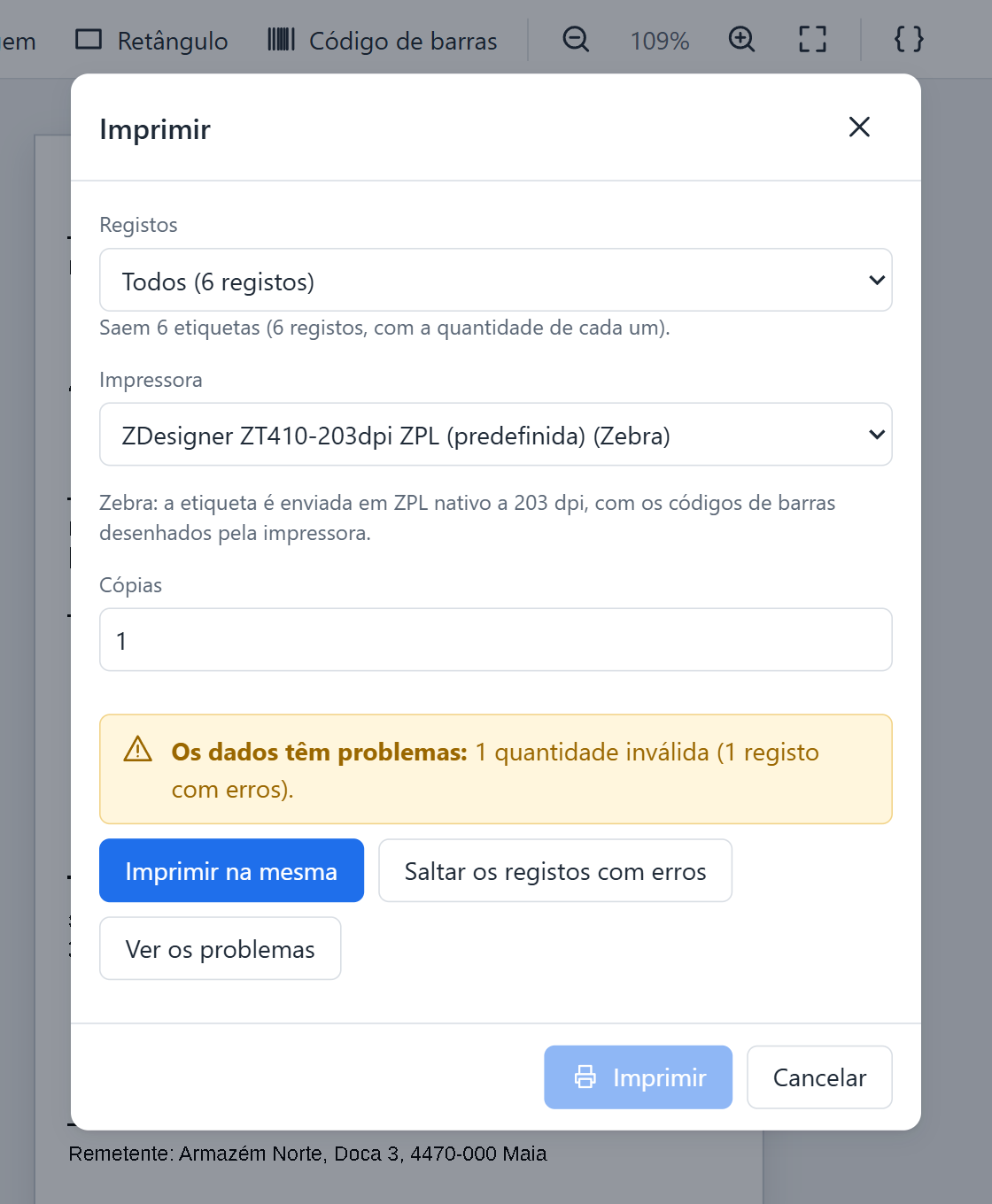
- Checks before printing
- Barcodes that cannot be encoded, text that does not fit, invalid quantities: Etix lists them before printing. Print anyway, skip those records or fix them.
- Locations and sequences in one go
- Every location in the warehouse or hundreds of numbered pallets, generated in Etix itself, without preparing spreadsheets.
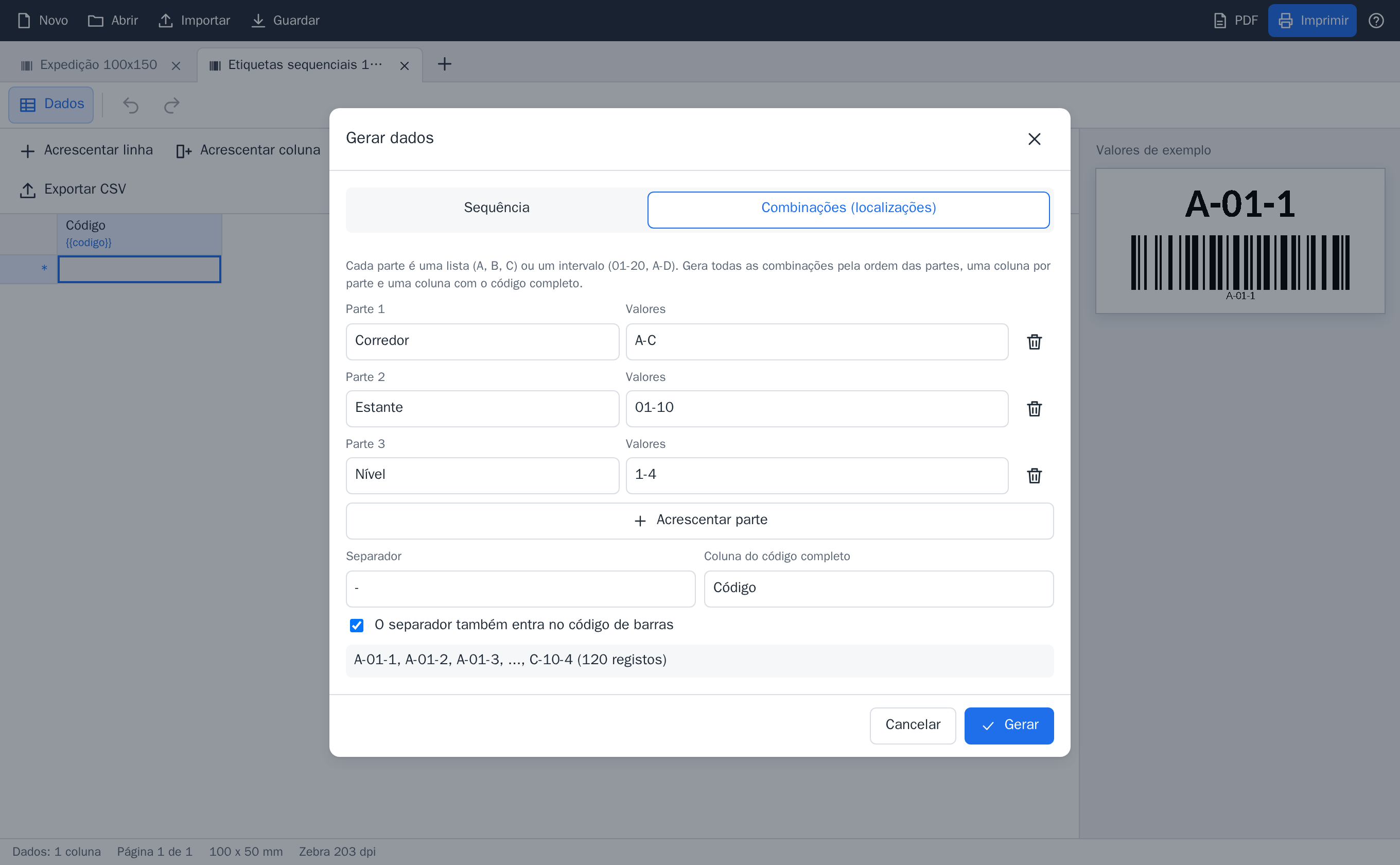
Locations and pallets, generated in Etix
Choose the parts of the code and Etix creates one record per label. Before printing, you can correct any of them in the grid.
- Locations
- Aisle A to C, rack 01 to 10, level 1 to 4.
- A-01-1A-01-2...C-10-4120 labels
- Sequences
- Prefix, quantity and number of digits, with leading zeros.
- PAL-00001PAL-00002...PAL-00500
- GS1 check digit
- Added to each number in the sequence.
- 56012300000105601230000027...
- Separator in the text only
- The text shows A-01-1 and the barcode can encode just A011.
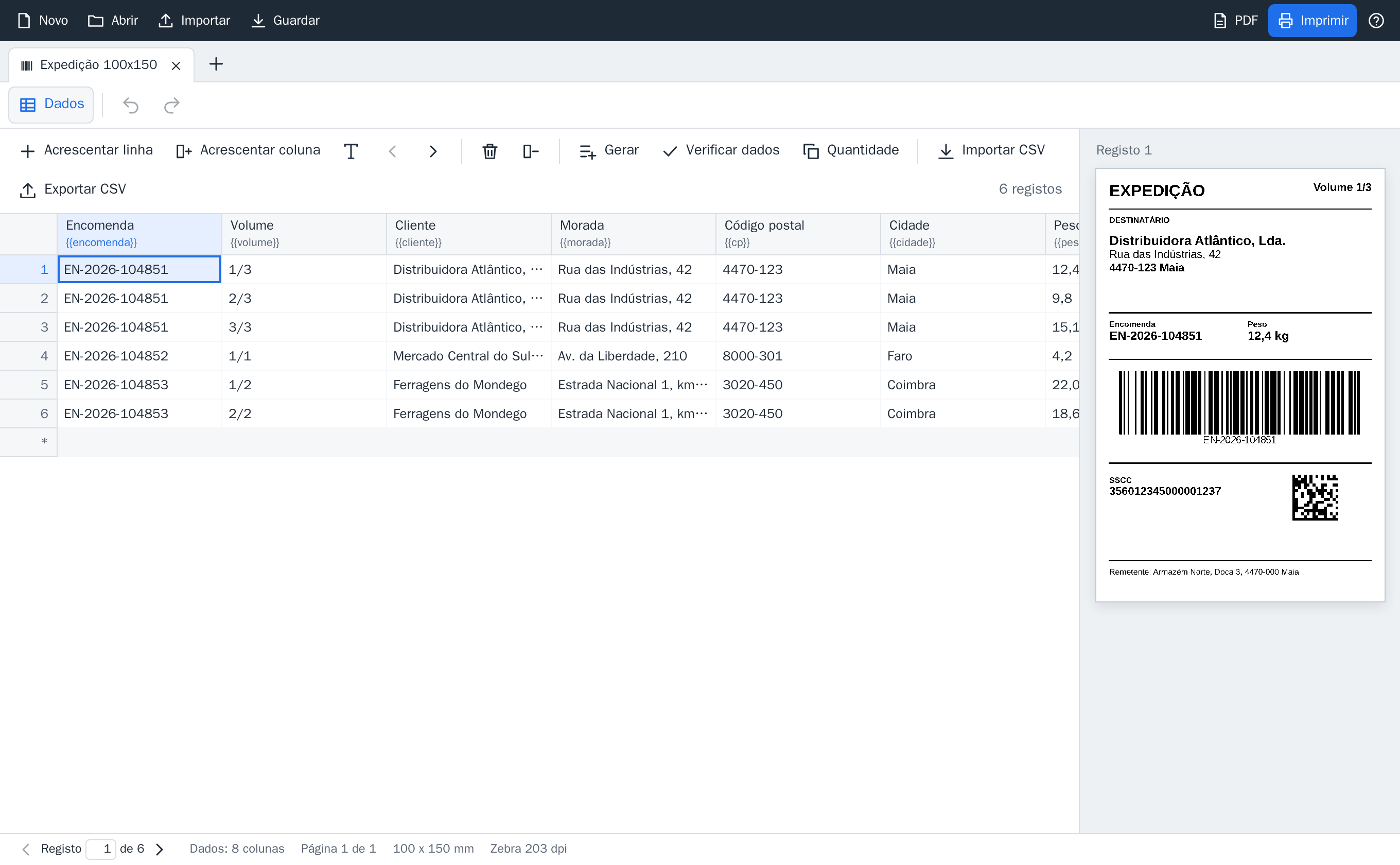
From your data to any printer
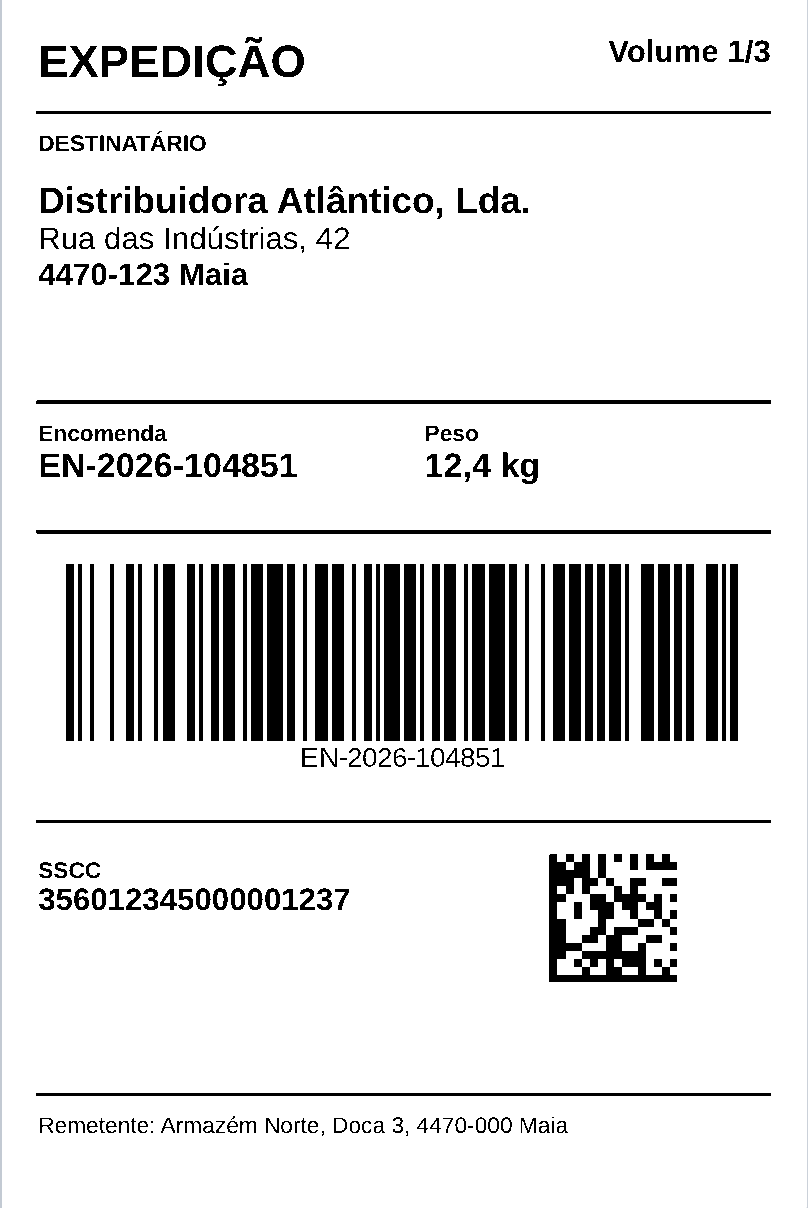
On the label, fields are written as {{order}} or {{customer}}, and Etix replaces them with the values of each record.
- Excel
- Copy the cells in Excel and paste them into the Etix grid.
- CSV from your WMS or ERP
- Import the file your WMS exports. A column named qtd sets how many copies of each record are printed.
- Direct link to your WMS
- If you want the data in Etix without going through files, RINT builds the integration.
- Zebra in native ZPL
- Barcodes and lines drawn by the printer itself, at 203, 300 or 600 dpi. Other printers print through the Windows driver.
- Rolls and label sheets
- One or several labels per row on the roll, A4 sheets and "start at label no." to reuse sheets that are partly used.
- The document or the batch as a PDF, up to 2,000 pages per file.
Licences
Priced per workstation, the computer where labels are designed and printed. The number of printers does not count. We prepare a quote for the workstations and sites you have.
| Plan | Who it is for | How you pay |
|---|---|---|
| Trial | 30 days, with your printers and your data | Free |
| Professional | From 1 to 10 workstations | Per workstation, per year |
| Enterprise | One or more warehouses, with unlimited workstations at each site | Per site, per year |
| Perpetual | For those who prefer to buy once | Per workstation, with optional annual maintenance for updates and support |
For your IT team
Nothing to set up or maintain. For the technical details, write to etix@rint.pt.
- Your data stays in-house
- On the PC or in a shared folder. No cloud and no account.
- No administrator rights
- Installs in the user's account. For many workstations, silently, for example through Intune.
- Works offline
- Designing and printing do not depend on any server.
- Automatic updates
- Over the Internet, from RINT's servers, verified with RINT's digital signature.
Frequently asked questions
How does the 30-day trial work?
Request the trial in the form, with your company and the printers you use. We send you Etix and, for 30 days, you use it with your own labels and data, free of charge.
Does it open Publisher files?
Yes. The .pub import converts the file into an Etix document and shows a report of what stayed the same and what changed. You then edit and print it like any other document.
Which printers does it work with?
With any printer installed in Windows. Zebra printers receive the label in ZPL; the others print through their driver, as with any program.
How many labels can it print at once?
Up to 50,000 per batch. As PDF, up to 2,000 pages per file.
Do licences count printers?
No. They count workstations, or sites on the Enterprise plan.
How do I align the printer?
Etix prints a test label with mm rulers on all four sides, which shows how much the printer cuts off on each side.
What language is it in?
Etix and its support are in European Portuguese today. If you need English, tell us when you write.
Who makes Etix?
RINT Sistemas & Integração, in Portugal.
Try it with your own labels
Tell us which labels you print and on which printers. We send you Etix for a free 30-day trial, or a quote for the workstations and sites you have.